AI Tools & Platforms Training for UK SMEs
Hands-on training on Make.com, ChatGPT, Claude, Copilot, and the rest of the modern AI stack. For SME operations teams.
In short
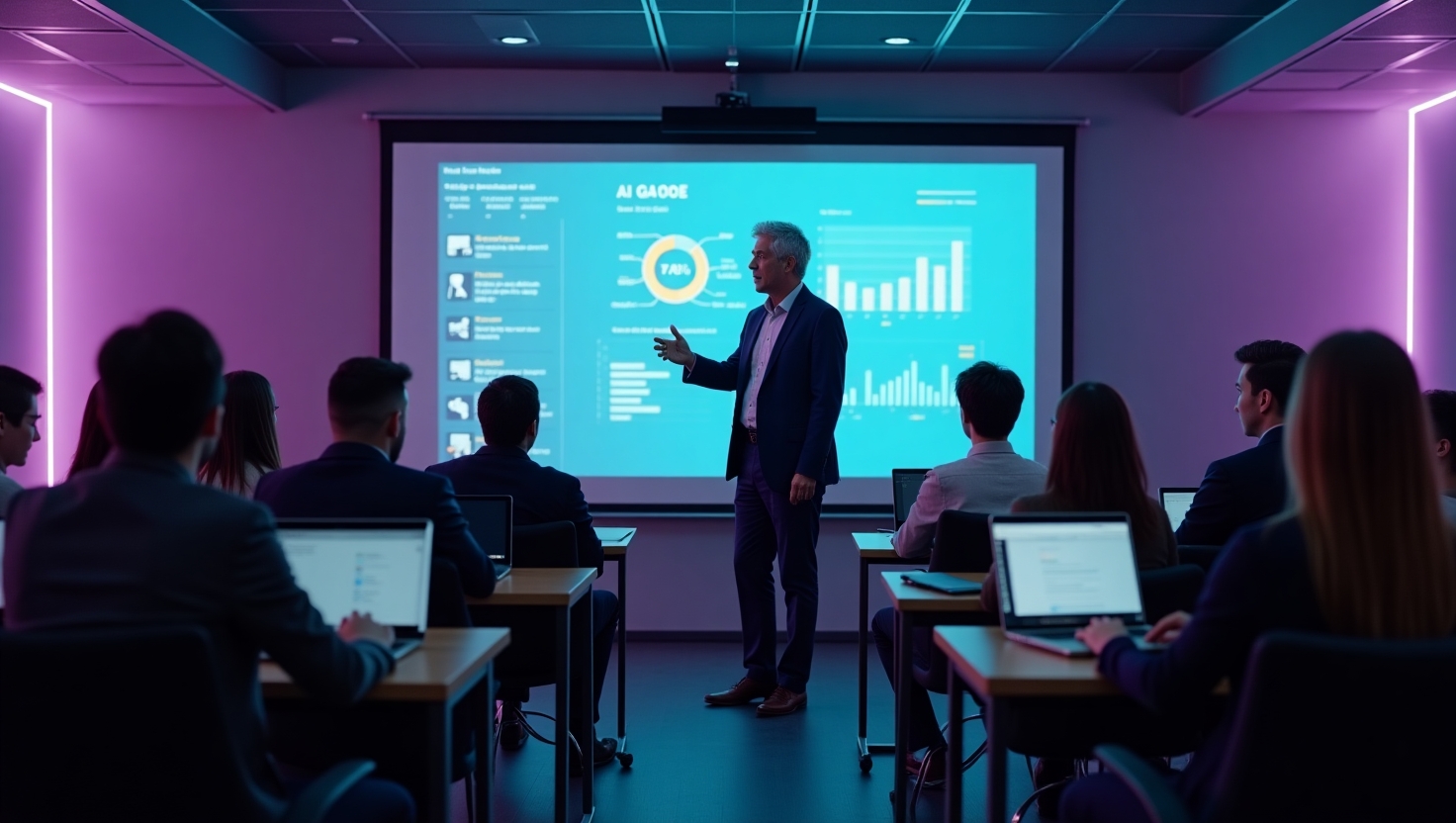
Hands-on, practical training on the tools your team will actually use day-to-day: Make.com, ChatGPT, Claude, Microsoft Copilot, Google Gemini for Workspace, and the broader AI stack. Operations teams leave the room with builds they made themselves.
POA, half- or full-day cohorts.
What’s covered
- Make.com: building real automations live
- ChatGPT + Claude + Gemini: prompting craft, when to use which
- Copilot for Microsoft 365 / Google Workspace: getting actual value from the bundled AI
- Custom-tool stacks: bringing in tools relevant to your sector
Who attends
Operations teams, marketing teams, sales teams, finance teams, anyone whose day-to-day workflow could be AI-augmented. Not for technical teams (we run separate sessions for engineers).
Why tools training is the missing layer
The typical SME training pattern after an AI awareness session goes like this. The leadership team comes back from a Friday workshop excited. They want the operations team to “use AI more”. The operations team, none of whom were in the workshop, do not know which of the dozen tools to start with, do not have admin access to anything substantial, and are nervous about putting real client data into a chatbot. Six weeks later, nobody has changed how they work and the leadership team concludes that AI is overhyped for their business.
The missing layer is hands-on training that turns the team’s existing daily workflows into automated ones. Not a slide deck. Not a vendor demo. A working build, made by the person who will own it, on top of the tools the SME already uses. That is what tools training delivers. By lunchtime on day one, every attendee has a workflow connected to a tool from their actual stack. By close of play, most have two or three. The conversation back at the office shifts from “AI sounds useful” to “I built this on Tuesday and it has already saved me four hours this week”.
How a typical day is structured
The full-day shape has four hands-on blocks separated by a working lunch and short breaks.
- Make.com foundations. Visual flow builder, triggers, actions, conditional logic, error handling. Attendees build a starter automation that ingests data from one tool and writes it to another. Usually a form-to-spreadsheet or inbox-to-Slack pattern that everyone can complete inside an hour.
- LLM integration. Adding an AI step to a workflow. Drafting, summarising, classifying or extracting. Attendees connect their starter automation to an LLM, pick the right model for the task, and watch their build do something genuinely useful with messy input. Cost shape is covered explicitly: how to keep token spend sensible, when to use cheaper models, when to add caching.
- Workplace AI. Microsoft Copilot for Office 365 or Google Gemini for Workspace. The bundled AI that nobody is getting full value from. Drafting in Word, summarising in Outlook, querying Excel, building Sheets formulas without remembering the syntax. Attendees apply the techniques to their own documents during the session.
- Their actual workflow. The final block is dedicated time to take a real workflow from the attendee’s own job and start building it. Wingenious staff circulate and unblock. Most attendees leave with at least one workflow that goes into production back at work, plus a clear plan for two or three more.
How the day is tailored
The session adapts to the sector and function of the cohort. Three examples.
- Accountants and bookkeepers. Xero or Sage integration, invoice extraction, journal automation, client onboarding workflows. The LLM examples cover client query drafting and working-paper summarisation.
- Ecommerce operations. Shopify or WooCommerce integration, order routing, supplier sync, returns workflows. The LLM examples cover product description generation and review-monitoring.
- Professional services operations. CRM-to-project-handoff, proposal drafting, time entry automation, billing reconciliation. The LLM examples cover meeting note summarisation and follow-up email drafting.
The exact mix is agreed with the team in the pre-session call. Wingenious staff bring sample data and starter flows so the session is not lost on setup.
What attendees leave with
Three artefacts each.
- Working automations. Built during the session, running in their account, ready to extend after.
- A prompt library. A documented set of prompts for the LLM tasks most relevant to their work, calibrated during the session.
- A tool selection cheat sheet. Which tool wins on which task type, when to use the free tier, when the paid tier earns its keep, when a custom build is the right answer rather than a SaaS subscription.
Plus 30 days of follow-up support: a shared Slack channel, two 30-minute office-hours sessions, and access to the recorded session for anyone in the team who missed it.
When tools training is the right move
The strongest fit is one of three situations.
- Post-leadership-training. The board signed off on an AI direction. The operations team needs the practical capability to deliver it. Tools training within 30 days of leadership training is the standard sequence.
- Ahead of the build stage. The build stage is on the roadmap. The internal team that will own the workflow after handover needs to be capable of maintaining it. Tools training ahead of the build reduces the post-build dependence on external support.
- Prototypes and Build acceleration. The team has a few obvious workflows in mind. Tools training equips them to build the first wave themselves, with Wingenious available for the harder ones.
The shape that works less well is open-enrolment training without a clear post-session plan. Without specific workflows to apply the skills to, the lesson decays inside three weeks. Sessions are scoped to attach to real work rather than to deliver abstract capability.
Pricing and packaging
Cohorts of 8 to 12 attendees, half-day or full-day shapes. Price on application. Remote across the UK or in-person across the North West and Midlands routinely. Sector-specific overlays included at no extra cost when the cohort comes from a single sector.
Funding routes available for eligible SMEs through government-funded AI training, which offsets a meaningful share of the cost via Help to Grow: Digital and equivalent regional schemes.
What attendees leave with on day one
The session ends with each attendee holding three things.
- Working automations. Two to four flows running in their account, on their data, ready to extend Monday morning.
- A prompt library. Twenty to thirty prompts calibrated for the LLM tasks most relevant to their work.
- A tool selection cheat-sheet. Quick reference for which tool wins on which task type and at what cost shape.
Plus the 30 days of follow-up support: a shared Slack channel, two 30-minute office hours, and the recorded session for anyone in the team who missed it.
The most common day-two mistake
A pattern that shows up in nearly every cohort: the attendee builds something brilliant on Tuesday, gets back to work on Wednesday, and never opens Make.com again because no daily prompt forces them to.
The fix is the Friday-of-week-one habit. Block 90 minutes on the Friday after training. Open the build from Tuesday. Make one improvement. Add one new step. Implement one more workflow. The 90 minutes a week compounds into substantial capability inside two months. Without the slot, the skill decays and the team is back where they started.
The training session includes a slot for attendees to put the Friday block in their diary before they leave the room. The slot is the single largest predictor of whether training translates into adoption.
The platforms covered in the standard cohort
Five tools sit inside the standard cohort. The mix gets adjusted where the team’s stack diverges.
- Make.com. Visual workflow automation with a polished interface, strong app library, and managed infrastructure. Sessions cover the no-code editor, triggers, modules, routers, error handling and AI integration.
- Claude. A frontier model for long-form reasoning, document work and code. Used directly via Claude.ai and via API for production workflows.
- ChatGPT. The broadest plugin ecosystem and the strongest image and voice integration. Used via the Plus tier and Team tier for collaborative work.
- Microsoft 365 Copilot. The bundled AI inside Word, Outlook, Excel, PowerPoint and Teams. Most SMEs are paying for it and getting a fraction of the value.
- Google Gemini for Workspace. The Google equivalent. Strong on document and email work, increasingly capable on long-context analysis.
Where the SME uses other tools (Notion AI, Slack AI, sector-specific tooling), the session bends to include them. The exact mix is agreed in the pre-session call.
The pre-session call that makes the day land
A 30-minute call about a week before the session. Three things get agreed.
The first is the sector overlay. What kind of business is the cohort from, what kind of workflows do they run, what kind of examples will land. The agenda gets adjusted accordingly.
The second is the kit and access. What accounts do attendees need, what sample data should be ready, what permissions will the room need. Setup notes go out 48 hours before the session so the room is not lost on logins.
The third is the post-session plan. What workflows from the day are going into production, who owns the follow-through, what support is needed. The 30-day follow-up support is calibrated against this plan.
Sessions where the pre-session call happens are noticeably more productive than sessions where it does not. The investment of 30 minutes upstream saves 90 minutes of friction during the day.
What changes after the second cohort
SMEs that run a single tools training cohort and stop see meaningful capability lift in the trained team but rarely see it propagate across the wider business. The patterns that work better.
The first is sequencing cohorts by function. The marketing team first, the operations team second, the finance team third. Each cohort builds on what the previous one implements. The shared automations grow into a coherent stack rather than function-specific islands.
The second is the train-the-trainer model. Two or three of the strongest attendees from the first cohort co-deliver the second cohort alongside Wingenious. The capability transfer is internal as well as external; the SME builds its own training muscle.
The third is the standing community of practice. A shared Slack channel, a monthly internal office hours, an annual day where the team reviews what has been built and shares the lessons. The discipline keeps the skill from decaying after the initial enthusiasm.
Most SMEs that get serious value from training run at least two cohorts inside the first year and establish a community of practice. Single-cohort training tends to produce single-cohort results.
Related capabilities
LLM workshops · AI strategy workshops · AI leadership training · Workflow automation
Related
Sectors where tools training lands best: ecommerce, accountants.
Questions SME leaders ask.
What kit do attendees need?
A laptop, a working browser, and accounts for Make.com (free), ChatGPT (Plus tier recommended but not required), and Claude.ai (free tier is enough). Microsoft 365 Copilot or Google Workspace AI is needed only if your team is using those at work. Pre-session setup notes go out a week ahead so the room is not lost on logins.
Will attendees actually build something live?
Yes. By lunch of a full day session, every attendee has a working Make.com automation connected to at least one real tool from their stack. By close of play, most have two or three. The shape of the build is shaped to your sector: for accountants, a Xero-to-Slack alert; for marketing, a content-to-social pipeline; for ops, a form-to-CRM handler. None of this is theoretical.
How does this complement the leadership training?
Leadership training tells your board what to insist on; tools training teaches your operators to deliver it. The right pattern: leadership cohort first, then tools cohort within 30 days so the strategy direction stays fresh. Cohorts can be mixed if you have a small leadership team that also wants to learn the operational tooling, but separating them lets each session run at the right depth.
What about data security during training?
Builds during training use sample data or non-sensitive workflow data only. Live builds touching customer records, financial data, or anything personal happen back in your environment after training, ideally with the build stage or ongoing AI leadership support guiding the security controls. The training session itself is not the place to push real client data through external tools.
Is there post-session support?
Yes. Every cohort gets 30 days of follow-up support: a shared Slack channel, two 30-minute office-hours sessions, and access to the recorded session. Beyond that, ongoing support sits inside ongoing AI leadership support or paid consulting time. The 30 days catches most teething problems; teams that need more usually move into ongoing AI leadership.
Other ways this comes up.
AI Leadership Training for SME Founders & Boards
Strategic AI training for SME founders, MDs, and boards. The questions to ask, the governance to insist on, the investments to approve.
AI Strategy Workshops for UK SME Leadership
Practical AI strategy workshops for SME leadership teams. Cohort-based, regional + UK-wide remote. Price on application.
Government-Funded AI Training Routes for UK SMEs
UK government-funded AI training options: Help to Grow, Made Smarter, Welsh Government, AI Growth Zone routes. Wingenious-aligned where eligible.
Industry fit.
AI for ecommerce
AI for UK ecommerce SMEs: product recommendations, customer support, inventory, pricing. Built on Shopify, WooCommerce, Magento. Consultancy from a UK AI automation agency.
See AI for ecommerce →AI for accountants
AI for UK accountancy firms: client onboarding, invoice processing, journals automation, advisory. Integrated with Xero, QuickBooks, Sage.
See AI for accountants →Make this real with the Company Adoption.
AI training for the whole team, a usage policy signed off, and the right tools rolled out.